Sizing a Near-Eye Display: The Case for 0.49 Inches at 1920x1080
Sizing a near-eye display is a different problem from sizing a panel for a handheld device. The user does not look at the panel, they look through optics at a virtual image, so the panel's physical size determines how much magnification is needed rather than how much the user can see. A 0.49-inch Micro OLED at 1920x1080 with 90Hz refresh and a MIPI interface fits the wearable near-eye case well because it delivers full HD detail without demanding a long optical relay. The check that matters is whether the resolution, the diagonal and the interface budget all match the virtual image the product is promising.
Key takeaways
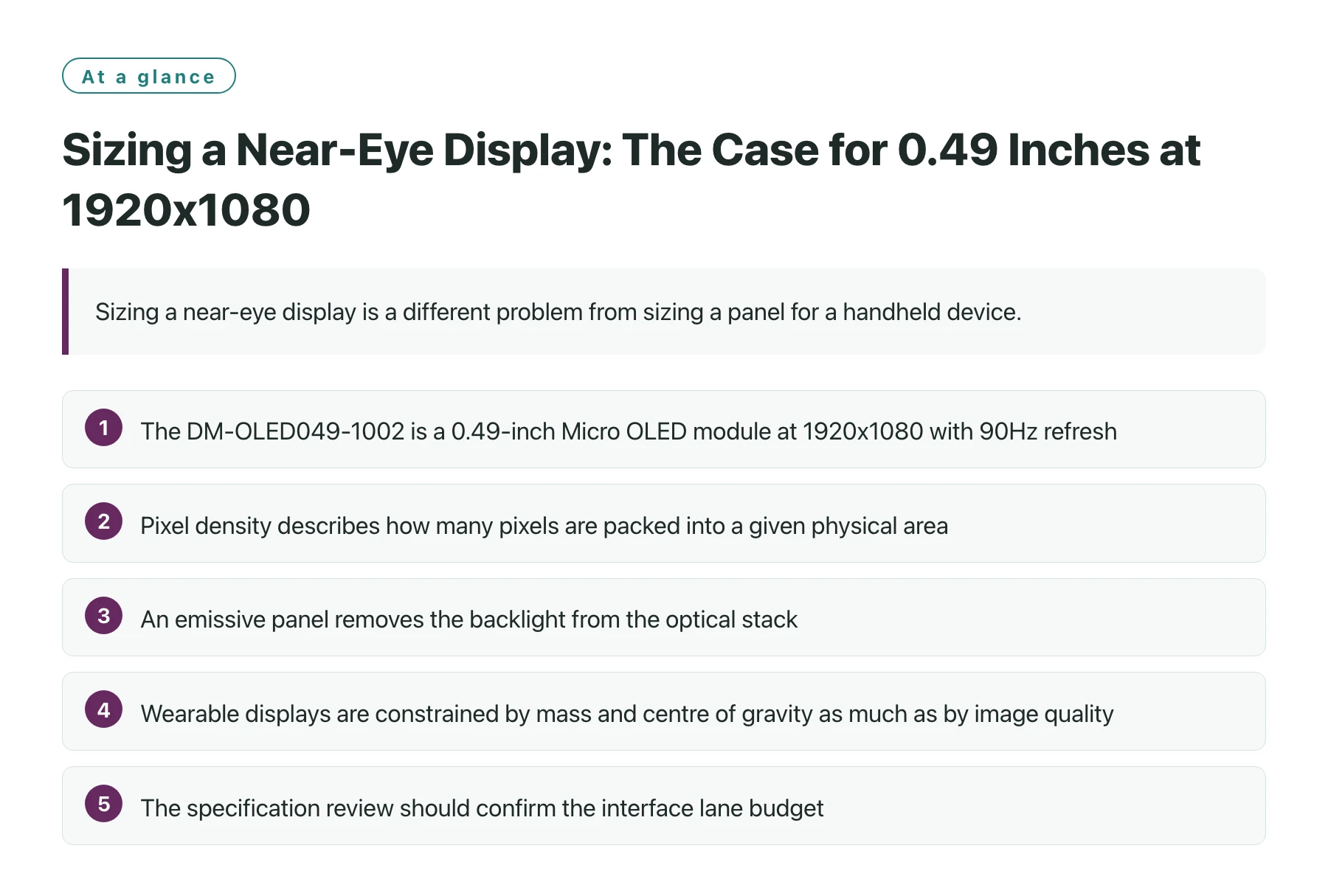
- The DM-OLED049-1002 is a 0.49-inch Micro OLED module at 1920x1080 with 90Hz refresh, 1800 nits and a MIPI interface, intended for near-eye optical systems that need full HD resolution.
- Pixel density describes how many pixels are packed into a given physical area, and at near-eye magnification it is the input to the optical design rather than a marketing figure [1].
- An emissive panel removes the backlight from the optical stack, which shortens the relay and reduces the depth the enclosure must accommodate [2].
- Wearable displays are constrained by mass and centre of gravity as much as by image quality, and a smaller panel at high resolution reduces both.
- The specification review should confirm the interface lane budget, the mechanical datum for the optics, and the behaviour of the panel at the brightness the product will actually use.
Most display sizing arguments start from the viewing distance and work back to a diagonal. Near-eye products invert that logic. The apparent image is created by optics, so a smaller panel at higher resolution often produces a better result than a larger panel at the same resolution, because it needs less magnification and therefore a shorter optical path.
The DM-OLED049-1002 is a 0.49-inch Micro OLED at 1920x1080 that runs at 90Hz with 1800 nits of brightness and a MIPI interface, and it is described as built for near-eye optical systems that require full HD resolution. Those two attributes, full HD and a small diagonal, are exactly the pair that a wearable viewer needs.
The rest of this article covers what the resolution actually buys at near-eye distance, how the diagonal interacts with the optical stack, and which items belong on the specification checklist before the design is frozen.
What full HD resolution means at near-eye distance
Pixel density is the relationship between the number of pixels and the physical area they occupy, and it is the quantity that determines how much detail a panel can carry before the optics magnify it [1]. At near-eye distance the panel is magnified substantially, which also magnifies the pixel grid. A panel with low density produces visible structure in the virtual image; a dense panel keeps the structure below the threshold the eye can resolve through the eyepiece.
This is why 1920x1080 in a small diagonal is more useful than the resolution figure suggests on its own. The number of pixels sets the information content of the image, while the diagonal sets how hard the optics have to work to present it. Both have to be right, and a wearable device makes the second one unusually expensive because magnification adds mass in front of the eye.
Text is the practical test. A viewer intended for menus, annotations or instrument readouts needs text that stays legible at the edge of the field, not just in the centre. The resolution and the optical design have to be evaluated together on real content rather than on a resolution specification alone.

How the diagonal and the resolution each change the design
| Design variable | What it controls | Consequence of getting it wrong |
|---|---|---|
| Panel diagonal | The magnification the eyepiece must provide and the depth of the optical block. | A panel that is too large forces a longer relay, a heavier head frame and a thicker shell. |
| Pixel count | How much detail and how much text the viewer can present. | Too few pixels and the virtual image softens; the user compensates by moving closer to the optic. |
| Refresh rate | Motion smoothness and the data rate the interface must carry. | A refresh that is too low makes head movement look smeared, which is worse in a wearable than on a desk. |
| Interface | Harness width, connector height and the host capability needed to drive the link. | An interface the host cannot drive forces a bridge chip, extra power rails and more board area. |
| Emissive structure | Depth of the optical stack, because there is no backlight to accommodate [2]. | Designing around a backlight that does not exist wastes the space advantage the panel provides. |
Matching the panel to the optical and mechanical budget
The mechanical consequence of panel size is easy to underestimate. Everything in front of the eye has to be carried by the wearer, and a longer optical path adds both mass and a longer moment arm from the head. Selecting a small panel with the required resolution is usually the cheaper way to gain image quality, because it addresses the problem at the source rather than with more optics.
The interface is the second constraint. A MIPI link keeps the conductor count low, which matters when the harness has to run along a moving frame, and it moves the complexity into the host, which must have a DSI transmitter or a bridge. That host requirement belongs in the sizing conversation, because a panel that cannot be driven by the chosen processor is not a cheaper option no matter what it costs.
Wearable display design also has to account for how the device is worn rather than only what it shows, since weight distribution and thermal contact with the head shape the user's tolerance for long sessions [3]. A display choice that adds 20 grams in front of the eye changes the product more than a small difference in brightness does.
Where the product needs both full HD detail and a compact optical block, the module itself is usually the first thing to evaluate. Reviewing the 1920x1080 Micro OLED display with MIPI interface specification against the optical layout, rather than the other way round, keeps the mechanical design from chasing a panel that was chosen for the wrong reason.
One more check belongs in the list: confirm how the panel behaves at the brightness the product will actually use. A near-eye viewer rarely runs at peak brightness for long, and the operating point determines both power and thermal behaviour.
How the display choice feeds back into the enclosure
Sizing a display is only half of a loop. Once the diagonal, resolution and interface are chosen, the decision propagates back into the mechanical design, and the assumptions made during the optical calculation stop being theoretical. The enclosure depth, the position of the harness exit, the space available for baffling and the thermal path all follow from the panel that was selected.
The depth constraint is usually the first to bite. A compact panel at high resolution allows a shorter optical assembly, which is the main reason to prefer it in a wearable product, but the module also needs clearance for its connector and for the flex to bend without being strained. Those few millimetres are easy to overlook when comparing datasheets and expensive to find after the housing tooling exists.
Thermal coupling is the second feedback path. A panel that runs at a modest operating point produces little heat of its own, which means the housing can be designed primarily around the comfort of the wearer and the cooling of the electronics. That is a freedom worth protecting, and it argues for choosing an operating brightness with margin rather than one that uses the panel's full range.
The interface completes the loop. A link with few conductors can be routed along a narrow arm and terminated in a small connector, which is what makes a slim temple design possible. If the host cannot drive that link natively, the bridge chip has to live somewhere, and finding room for it late in the programme is a common cause of late mechanical redesign.
Sources
Frequently asked questions
Is a 0.49-inch panel too small for a usable near-eye image?
Size alone does not determine the apparent image; the optics do. A small, dense panel magnified by a compact eyepiece can fill a comfortable field of view, and it avoids the longer optical path a larger panel would require.
Why does a near-eye design care about pixel density rather than screen size?
Because the image is magnified before the eye sees it. Density sets how much structure the eye can resolve in the virtual image, while the physical diagonal sets how much magnification the optics must provide.
What resolution is enough for text in a wearable viewer?
It depends on the field of view and the size of the text in the virtual image, so the test is empirical: render the actual interface content through the intended optics and check legibility at the corners of the field, not just at the centre.
Does refresh rate matter for a viewer that mostly shows static information?
Yes, but for a different reason than in gaming. In a head-mounted device the image moves with the head, so a low refresh rate produces visible smear during movement even when the content itself is static.
What should be confirmed with a supplier before specifying a near-eye module?
The interface lane budget and initialisation path, the mechanical datum surfaces for optical alignment, the brightness operating point the product will use, and the availability window for the module over the life of the programme.